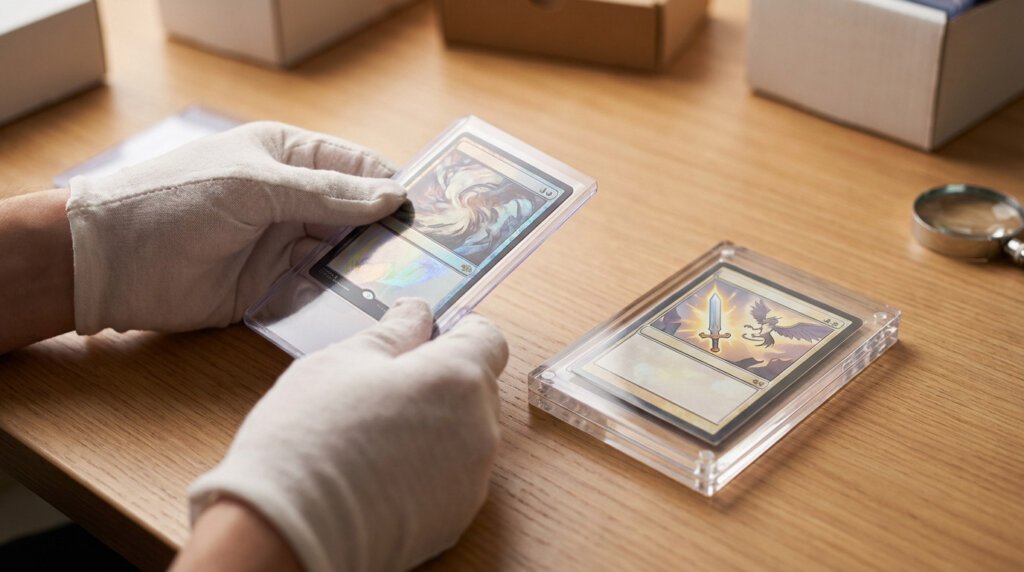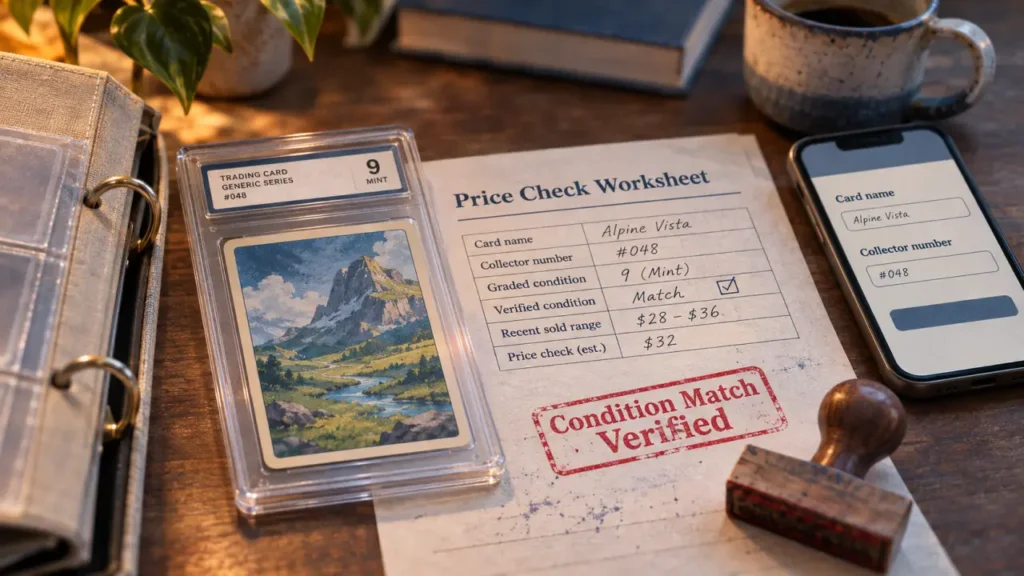
To find a Pokémon card’s value, search its name and collector number, confirm the set and version, then compare prices for the same condition and grading status. PriceCharting offers name, number, and photo search; Cardhedger promotes current market values; Pokémon Wizard adds collection tracking and price alerts. The useful number is not simply the first one displayed—it is the one that matches your card.
Start with an exact card match, not just a Pokémon name
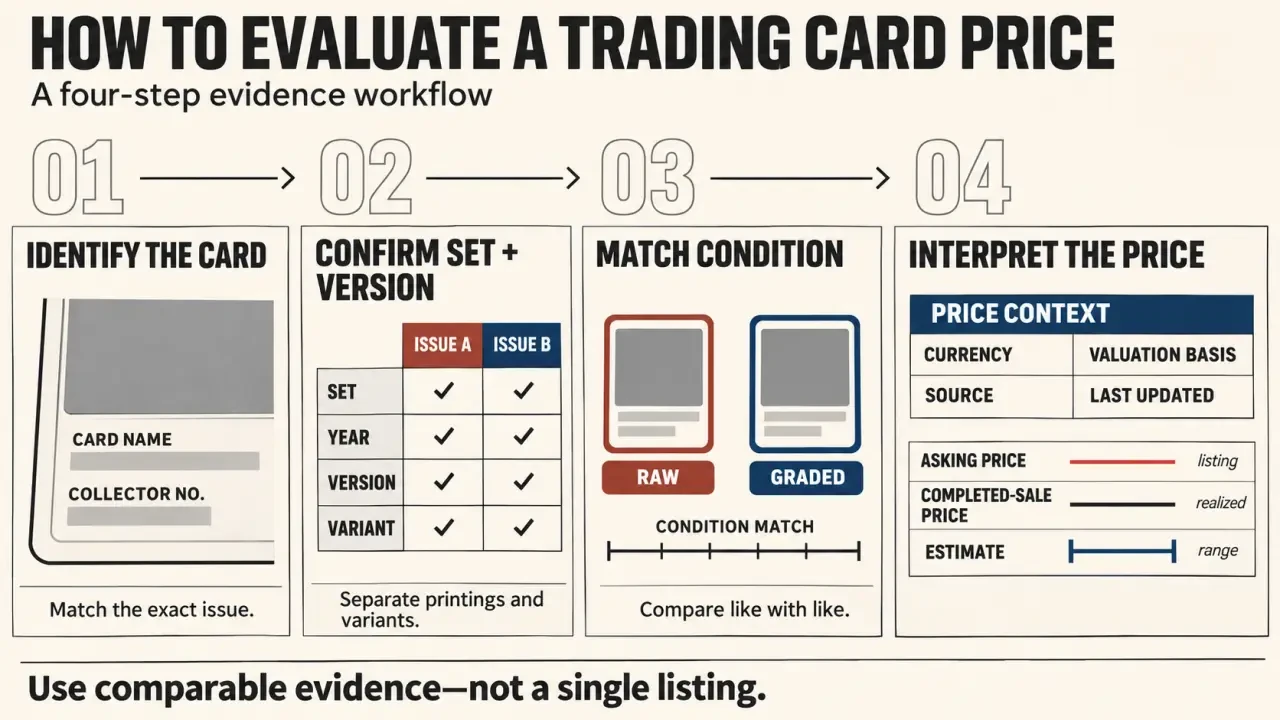
Searching “Charizard” or “Pikachu” is a starting point, but it does not identify a specific card. Before checking Pokémon prices, read the details on the card itself: its name, collector number, set identifier, and language. Note any edition markings and whether the finish matches the result you are viewing.
PriceCharting supports searches by card name and/or number, with Charizard #4 as an example query. Adding the set helps narrow ambiguous results. A matching name and illustration are useful clues, but neither should replace checking the full card record.
Use photo search to find candidates, then verify them
PriceCharting also offers photo-based search. This can help when you cannot identify the set or do not know what to type. Use a clear, well-lit image that includes the whole card, with the name and collector number readable. Treat the result as a candidate match rather than confirmation of its identity, condition, or authenticity.
- Match the collector number: include any prefix or suffix shown.
- Confirm the set: do not assume every card featuring the same Pokémon belongs to the same release.
- Check the version: compare finish, language, and relevant edition markings.
- Separate raw and graded cards: a card without a grading label should not automatically inherit a graded-card estimate.
If several results still look plausible, pause the valuation. Resolving the identity first is more useful than averaging prices from different cards.
Choose a price tool around the task you need done
A searchable database, a market-data service, and a collection tracker solve different problems. Start with the feature you need now, then check whether the service explains its price methodology clearly enough for your decision.
Official Pokémon TCG Card Database · Search and browse Pokémon cards by type, Energy, format, expansion, and more.
| Service | Stated features | Useful starting point |
|---|---|---|
| PriceCharting | Name and number search, photo search, set lists, checklists, and a set quick-jump | Identifying a card or browsing a release |
| Cardhedger | Real-time values and instant market data, with coverage of thousands of cards from Base Set to modern sets | Exploring current card values across older and newer releases |
| Pokémon Wizard | A free portfolio, price alerts, hourly price updates, and real-time collection-value updates | Monitoring cards and tracking a collection |
These features do not establish that every service values cards in the same way. Before choosing one as your reference, check its currency, condition categories, grading distinctions, and explanation of the underlying transactions. Broad coverage does not guarantee that every language or variant has a usable price.
Browse by set when you have a binder to work through
For several cards from the same release, a set checklist can be easier than repeated name searches. PriceCharting presents popular sets, new releases, and a quick-jump selector leading to card lists and values. Work through the relevant checklist and confirm each version individually rather than assigning one value to every similar-looking copy.
Set browsing also gives context to prominent cards such as Charizard and Pikachu. You can locate their specific release alongside the rest of the checklist instead of comparing unrelated printings simply because they share a character.
Read the price label before deciding what a card is worth
A displayed value is an estimate to interpret, not a guaranteed sale price. Its usefulness depends on what it measures. An asking price shows what a seller wants; a completed-sale price records a transaction. A calculated market estimate may combine observations according to the provider’s own method.
Look for the currency, market, last-updated timestamp, and pricing basis near the figure or in the service’s methodology notes. If those details are unclear, avoid treating the number as a precise buying or selling target.
Compare like with like
Check whether the estimate refers to an ungraded card, a particular condition category, or a specific grade. When comparing graded cards, match the grading company and grade shown. For raw cards, inspect the front, back, edges, corners, and surface rather than assuming that a card kept in a sleeve matches the condition used by the guide.
Think of a valuation as a scaffold: card identity forms the foundation, condition and grade provide the supports, and comparable transactions create the working platform. A missing support makes the final number less dependable. In a collection spreadsheet, an “identity confirmed” or “condition uncertain” note can therefore be more valuable than another decimal place in the estimated price.
For a purchase, also compare the total payable amount, including shipping and applicable charges. For a sale, distinguish the advertised amount from what you would retain after relevant fees and costs. Keep those calculations separate from the card’s reference value.
Use historical prices to test a current estimate
A current figure answers a different question from a price-history chart. The former gives a present reference; the latter helps show whether that reference sits within a longer pattern or follows an unusual transaction. Where historical prices are available, confirm that the chart tracks the same card version, condition, and grading category throughout.
Start with a recent period relevant to your intended purchase or sale, then widen the view. Look for transaction dates and frequency, not only the direction of a line. If a chart provides no explanation of how points are calculated, be cautious about interpreting small movements as meaningful market changes.
- Check comparable sales: exclude different versions and grades from your comparison.
- Look for isolated results: one unusual transaction needs context.
- Notice gaps: an unchanged estimate may not represent a fresh sale.
- Keep comparisons consistent: use the same currency and valuation category.
Update frequency is a separate issue. Pokémon Wizard states that its prices update hourly, while Cardhedger describes real-time values and instant market data. Those claims concern data refreshes; they do not mean every individual card trades hourly or continuously. Check the latest relevant transaction when that information is available.
Track your collection without mistaking estimates for cash
A portfolio becomes useful once the underlying entries are accurate. Record each card’s set, collector number, version, language, condition or grade, and quantity. Add purchase cost separately if you want to compare spending with estimated value. Leave uncertain matches flagged rather than quietly including them as confirmed holdings.
Pokémon Wizard promotes a free portfolio, describes it as “free forever,” and offers price alerts alongside collection-value tracking. Check the current terms and available controls before relying on it, particularly if you need exports, specific card variants, or particular alert settings.
Make alerts serve a decision
Use an alert for a card you genuinely want to buy, sell, or review. If threshold settings are available, choose a level connected to your budget or intended sale price. When notified, reopen the exact card record and inspect the supporting information before acting; an alert is a prompt to investigate, not a purchase instruction.
Finally, treat the portfolio total as a reference estimate rather than a cash-out promise. Review uncertain entries, duplicated cards, and stale valuations periodically. A smaller collection total built from accurate matches is more useful than an impressive total built from the wrong versions.